Continuous seminar listening
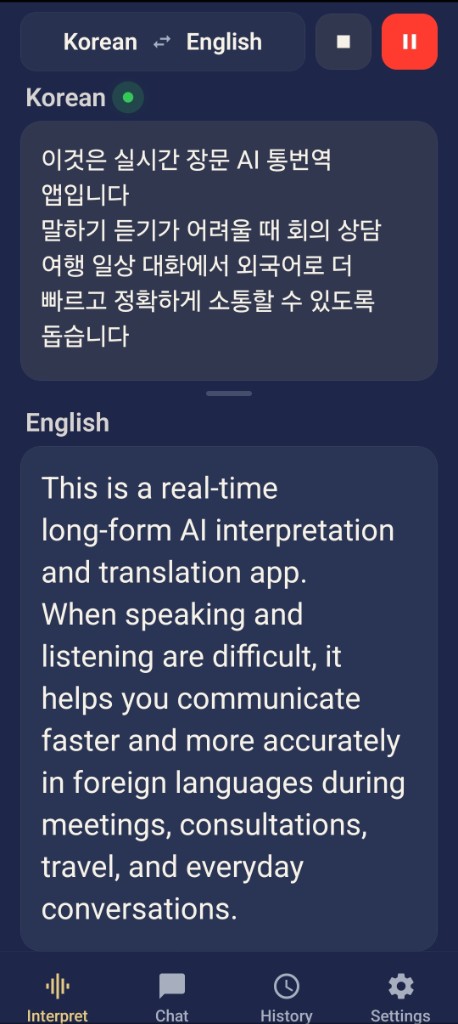
Long talks stay uninterrupted. Follow the source and the translation side by side.
Interpretation that writes the notes
Follow overseas seminars, conferences, and work meetings without a break.
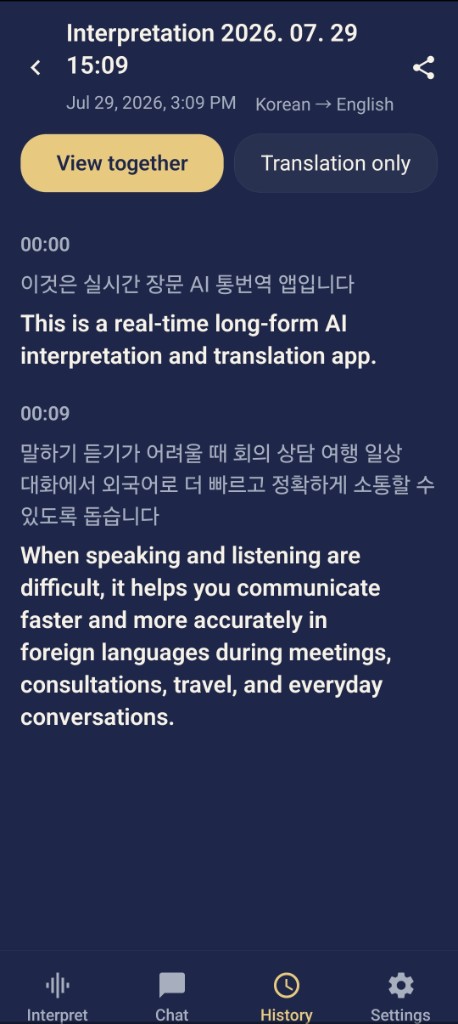
See the source and translation together, then keep the session.
What stays after the meeting
Long-form interpretation and session records are the product. AI replies and TTS cover the moments you need to answer. Conversation mode is there when the exchange is one-to-one.
Long talks stay uninterrupted. Follow the source and the translation side by side.
Find a finished meeting by title or content. You do not need a separate set of notes.
When a question lands, get a fitting line and speak it aloud.
Also included
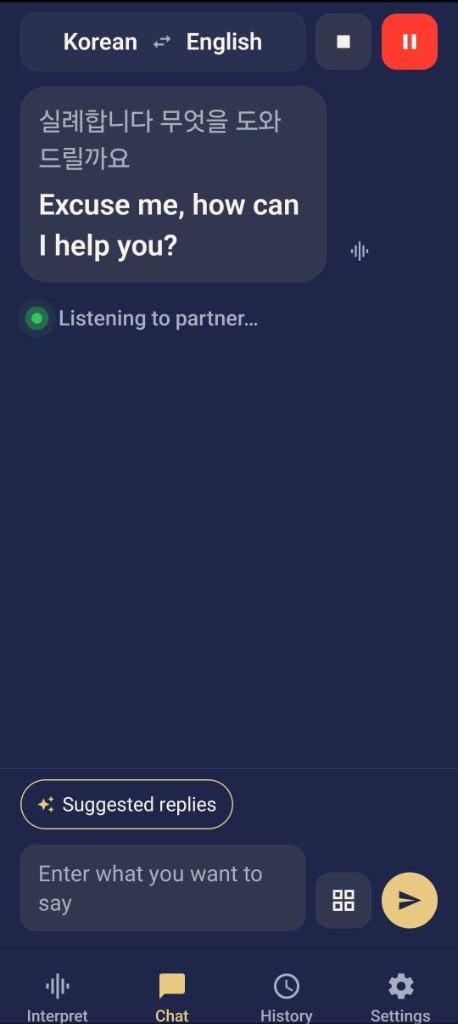
For a back-and-forth, continue in the same language pair on the Chat tab.
Who it is for
Seminars · conferences · meetings
Continuous listening interprets seminars and meetings live.
Source and translation stay side by side, and the session becomes the record.
Session records · search
Each session stores the source and the translation together.
Search by title, language, or content and reopen the seminar or meeting.
When you need to answer
When a question comes up, AI suggests a reply. Play the line with TTS. For a one-to-one exchange, conversation mode continues the same thread.
Start in seconds
Listen in Interpret, find it in History, and open Chat only when you need it.
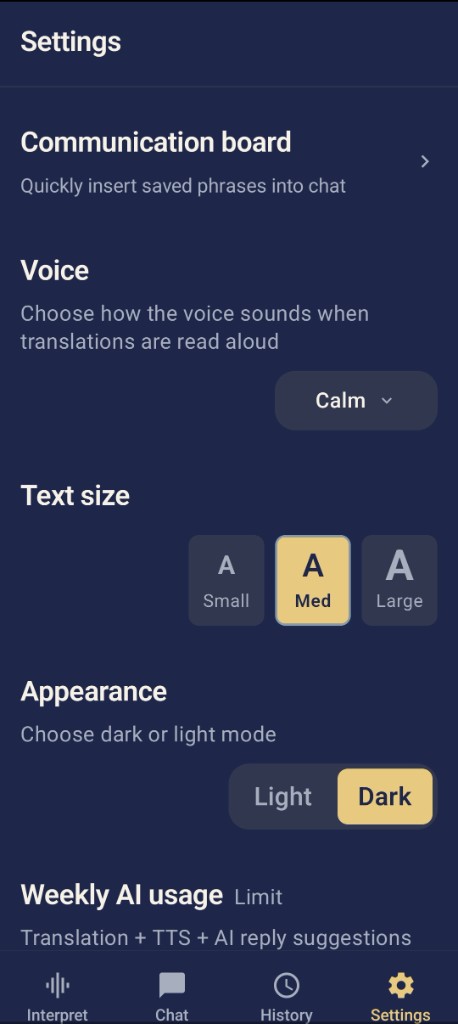
Large text, light/dark mode, and buttons you can start before the session begins.
23 languages
Pick your language and theirs. Interpretation runs on that pair.
What people say
I followed a two-hour English seminar with source and translation side by side — I missed far less.
When a question came up, I picked a suggested reply and spoke it with TTS. The meeting did not stall.
Searching the seminar record meant I did not have to write the notes myself.

Smooth real-time interpretation,Butterbun
Seminars, conferences, and work meetings. Listen, translate, and search later.
Android · iOS